


Live Music in
VRChat
Join people from around the world for live acoustic sessions and VRDJ events - no VR headset required.
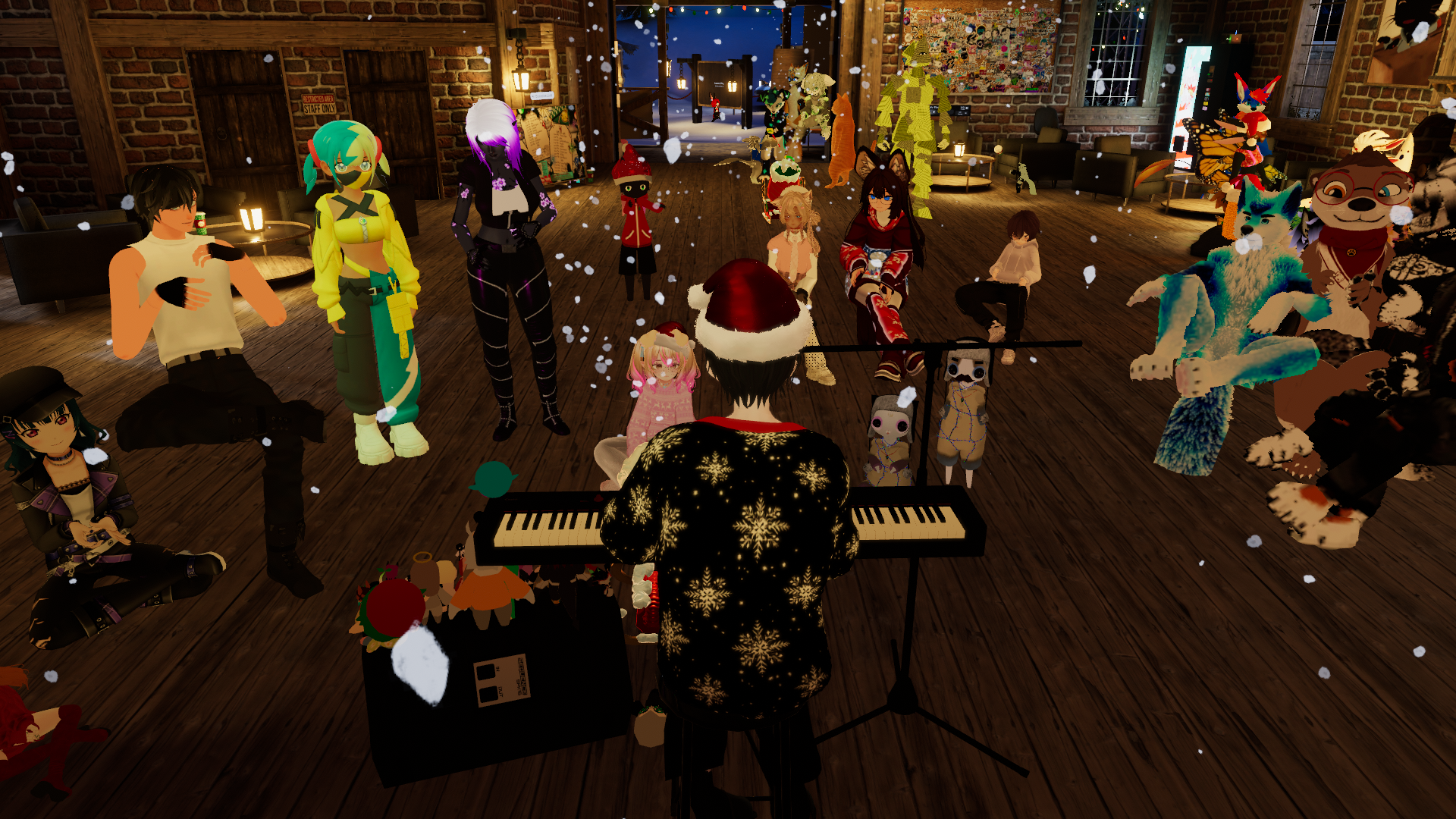
A typical acoustic session in VRChat
What is VRChat?
VRChat is a free social platform where people can meet, hang out, and attend live events in virtual worlds.
Virtual Reality Social Platform
VRChat lets you explore thousands of user-created worlds, meet people from around the globe, and attend live events - all from your PC or VR headset.
No VR Required
You don't need a VR headset! VRChat works on regular PCs with keyboard and mouse. VR just adds an extra layer of immersion.
Live Performances
Naku performs live acoustic sessions in VRChat - real piano, real vocals, all in real-time. It's like being at a concert, but from your own home.
About the im_naku Group
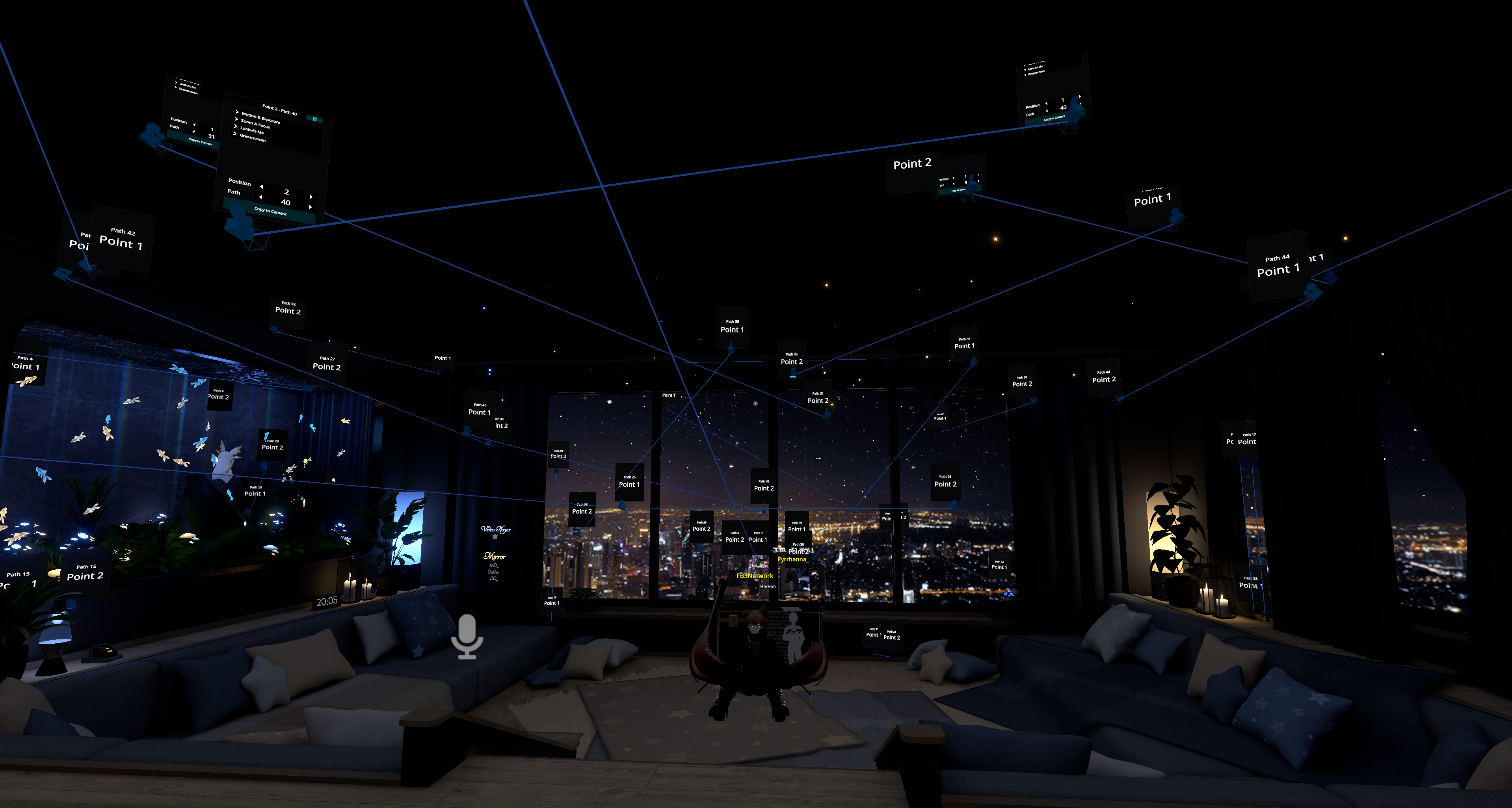
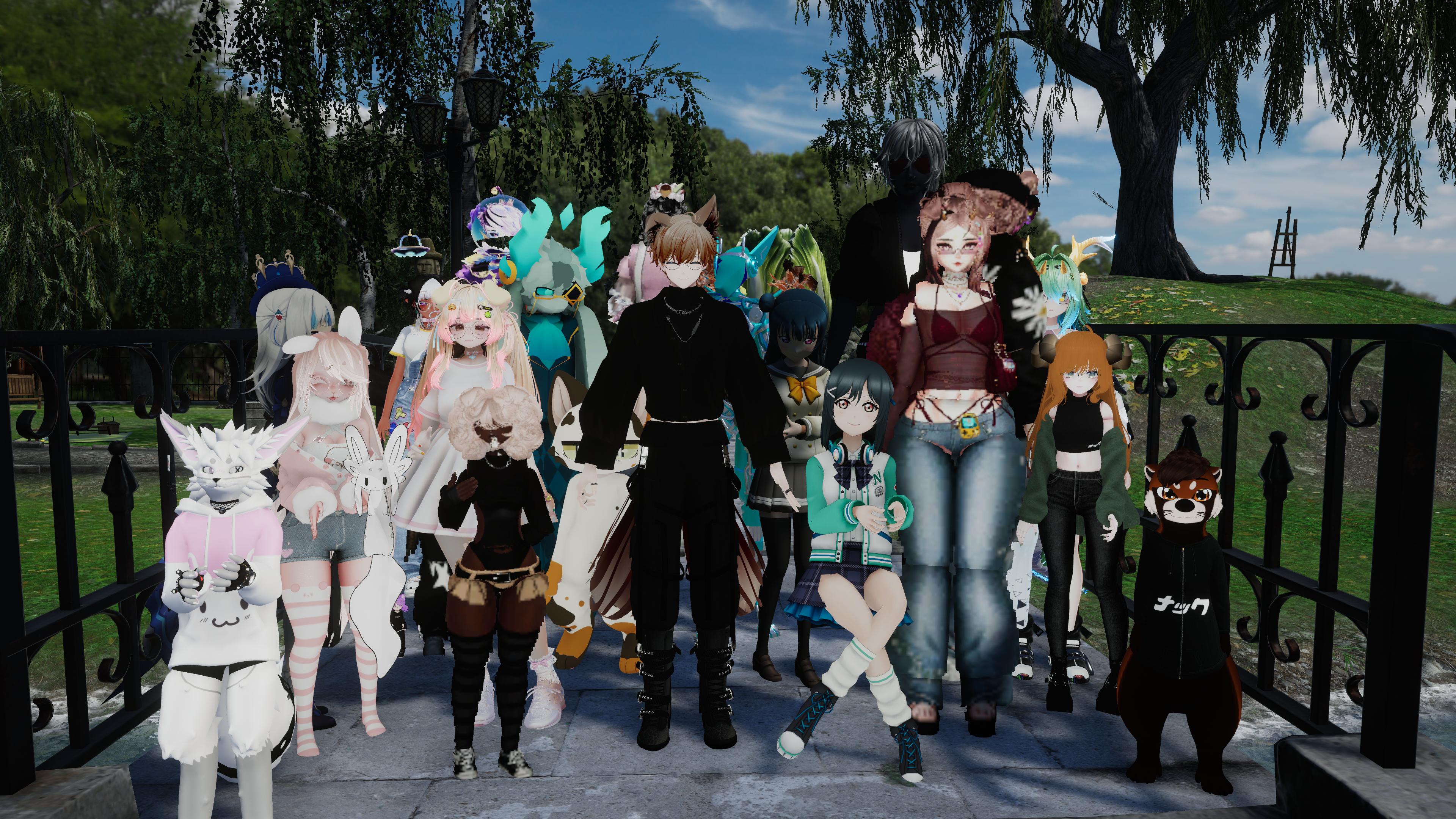
The im_naku VRChat group is the home for Naku's streams, events, and performances. When a show is happening, group members get notified and can join directly.
Instances are mainly moderated during acoustic sessions to keep things chill. Sometimes there are game nights held within the group - those will be announced in the Discord!
Weekly Schedule
Monday, Wednesday, Friday @ 11:59 PM (local)
Occasional pop-up shows happen too - follow the Twitch or join the Discord for notifications.
- Song requests via Twitch channel points
- Welcoming vibe - use VRChat's mute/block tools as needed
- Occasional game nights and community events
How to Join
Getting into VRChat and joining a session is easier than you might think.
Download VRChat
Install VRChat for free on Steam or the Meta Quest Store. Works on PC, VR headsets, or standalone Quest.
Join the Group
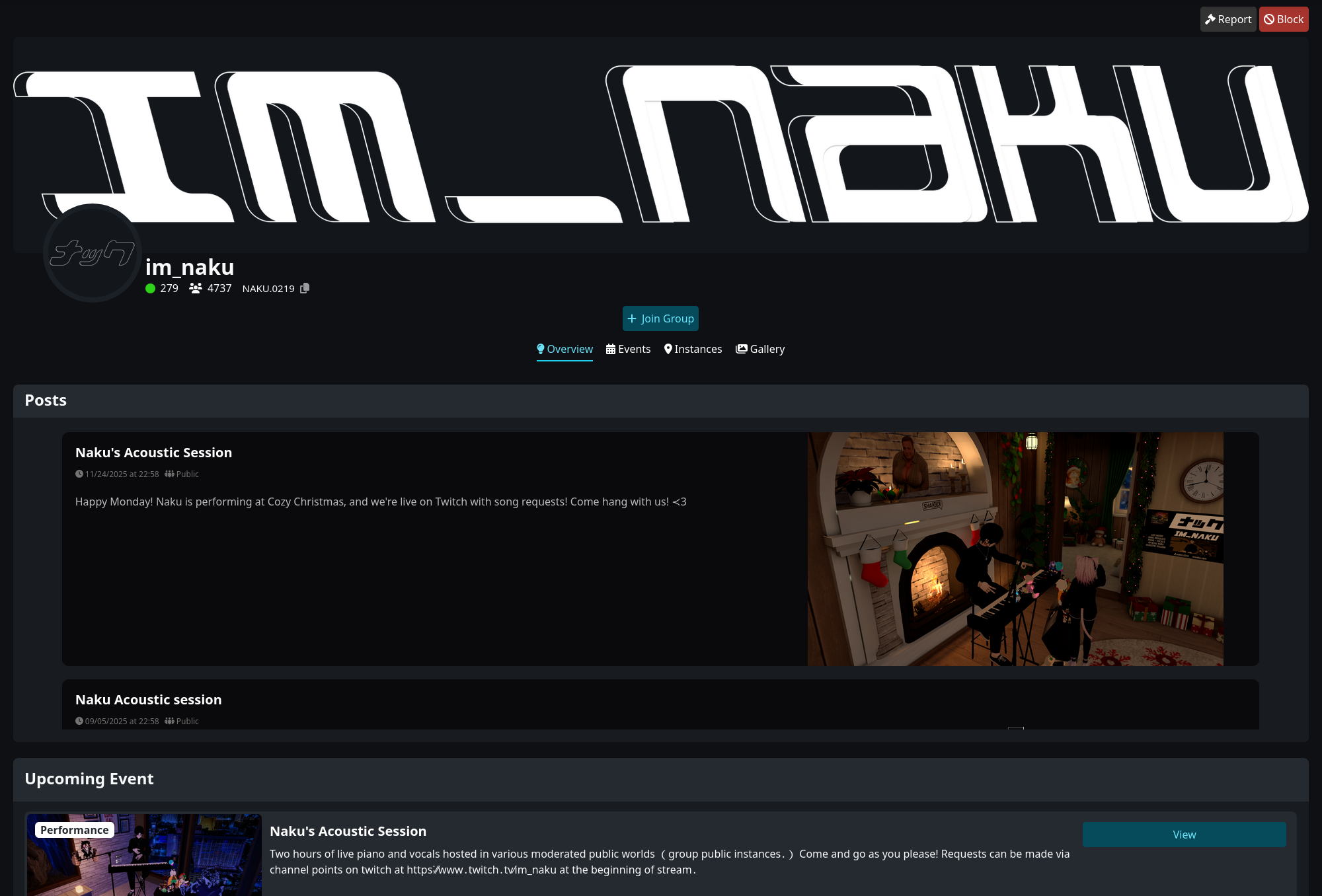
Visit the NAKU ACOUSTIC SESSION group page and click "Join". This lets you see when instances are open and get notifications.
Join at Showtime
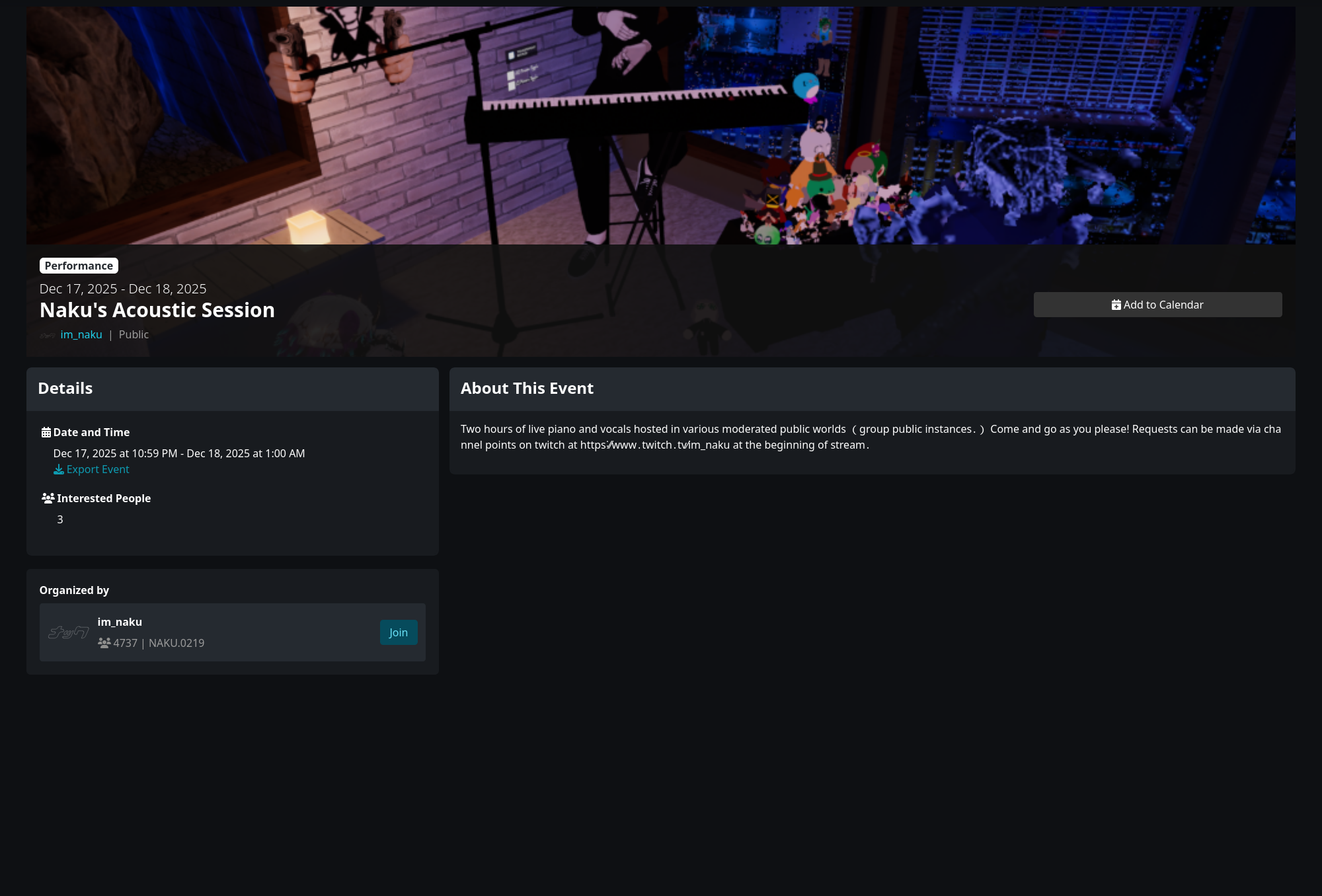
When a session starts, join the group instance directly, or watch the Twitch stream for a join link in chat.
New to VRChat? Check out the How to Join guide for more detailed tips.
The Piano Zone
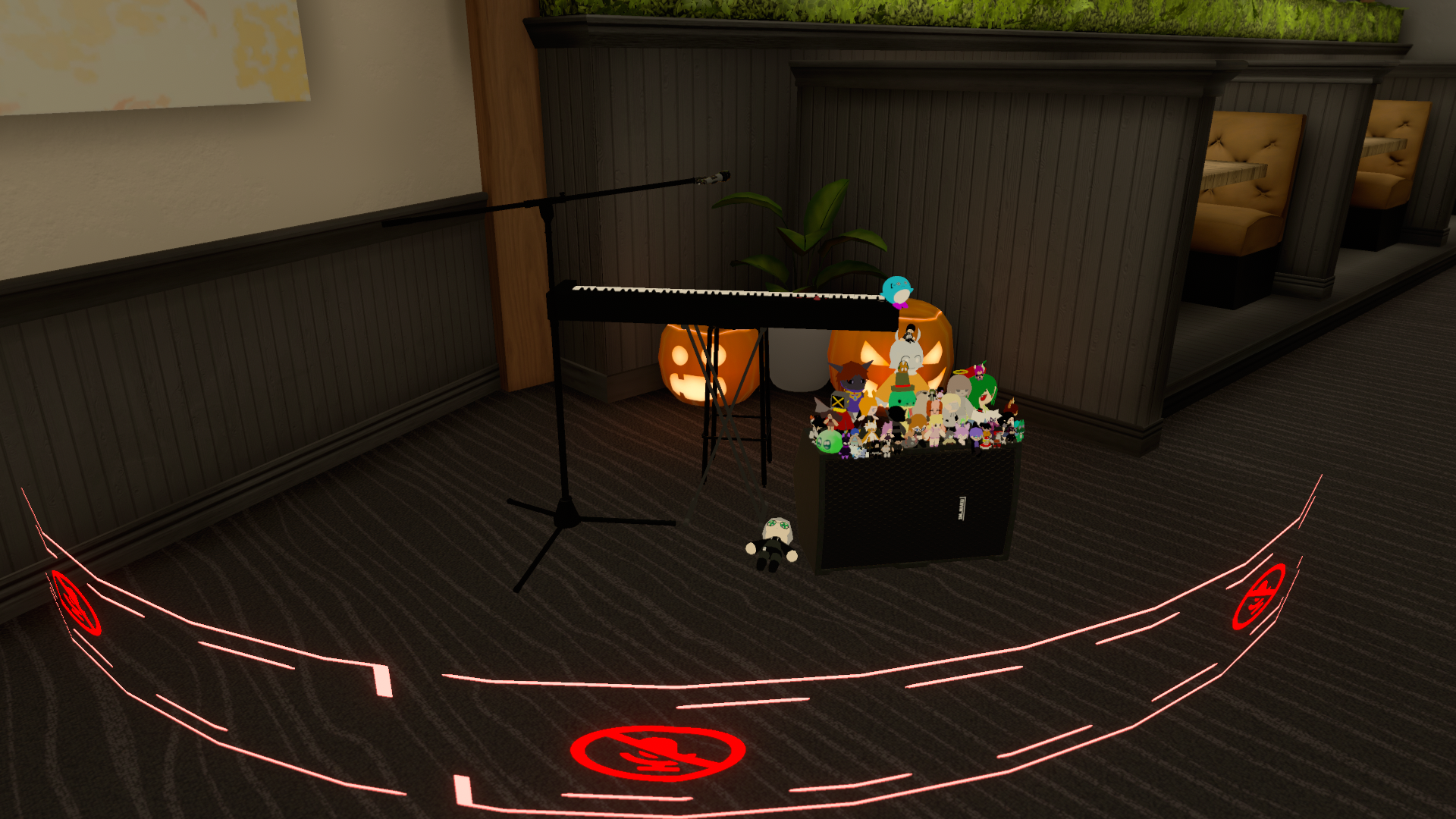
You don't have to stay quiet during performances - unless you're within range of the piano.
Look for users wearing the "Naku's Piano" avatar. It displays a ring on the floor showing exactly where the mute zone is. If you're inside that ring, please stay muted so the stream audio stays clean.
This rule does not apply during ad breaks - feel free to chat then!
VRChat Group Rules
Keep it chill and everyone has a good time.
Mute Near the Piano
Stay muted within the piano zone (shown by the ring). This doesn't apply during ad breaks.
No Text Boxes Near Piano
Text boxes near the piano are distracting for the audience and can show up on stream.
No Malicious Interruptions
Interrupting a performance maliciously will result in a kick or ban.
Don't Impersonate Staff
Pretending or acting like staff is punishable.
Questions About Punishment
Don't ask Naku (or have others ask) why you were punished. DM him or reach out in the Discord instead.
Group Responsibility
If someone in your group is troublesome, you can be punished alongside them without question.